Without Batch Tracking
You search through spreadsheets, check paper records, and ask warehouse staff for details. With no clear record of which products used the ingredient, you may end up holding or recalling more stock than necessary.
Without the right tools, managing batches across production and distribution will get complicated. TransGenie’s batch tracking software helps you track every batch from raw materials to finished products and final delivery. Get clear visibility into your batch history, trace products quickly, and address quality issues before they become bigger problems.


Batch tracking means assigning a unique number to each group of products made or received together and recording its complete journey through production and distribution. This helps you identify raw materials used, track quality checks, and know where each batch was delivered.
For example, a bakery receives a flour delivery and uses it to make three batches of products. If the flour is later found to be contaminated, a batch tracking system helps the bakery quickly identify the affected products and the shops that received them, without the need to search records manually.
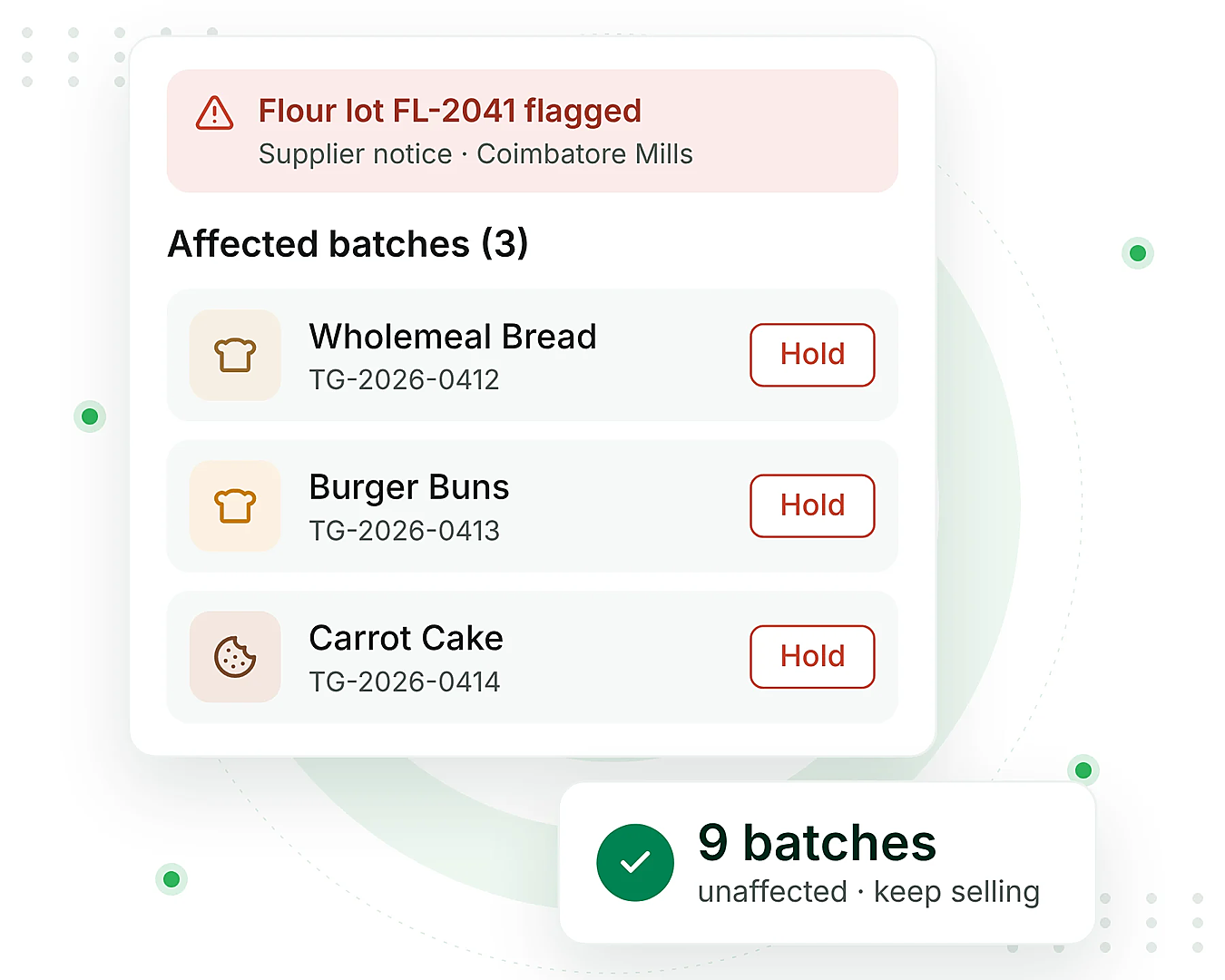
Imagine a supplier informs you that a batch of ingredients may be unsafe for consumers. In that time, you need to know which products are affected and where they went. Here’s how batch tracking can make a difference.
You search through spreadsheets, check paper records, and ask warehouse staff for details. With no clear record of which products used the ingredient, you may end up holding or recalling more stock than necessary.
You simply search for the ingredient’s batch number. The system shows which production batches used it and which customers received the finished products. You can quickly identify the affected stock, take action, and avoid disrupting unaffected batches.
Batch traceability works in two directions: forward and backward.
Starts with a raw material batch and identifies all the products and customers it reached.
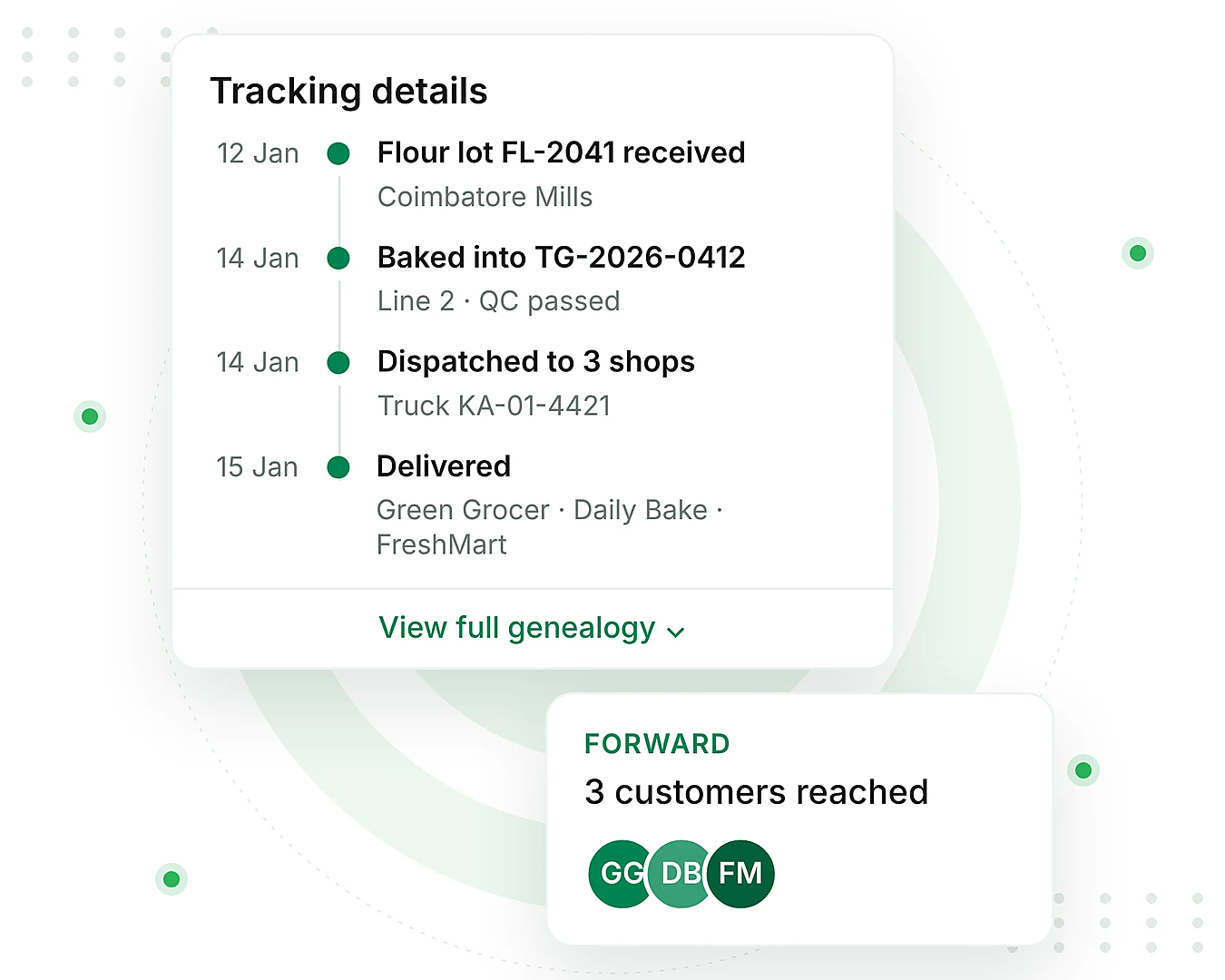
Starts with a finished product and traces it back to the supplier and raw material batches used to make it.
The traceability chain typically follows this path:
Many inventory tools only track the activity within a single warehouse, leaving gaps between the suppliers and customers. However, TransGenie connects these records to give you a clear view of the entire batch journey. This makes it easier to trace products during a recall.
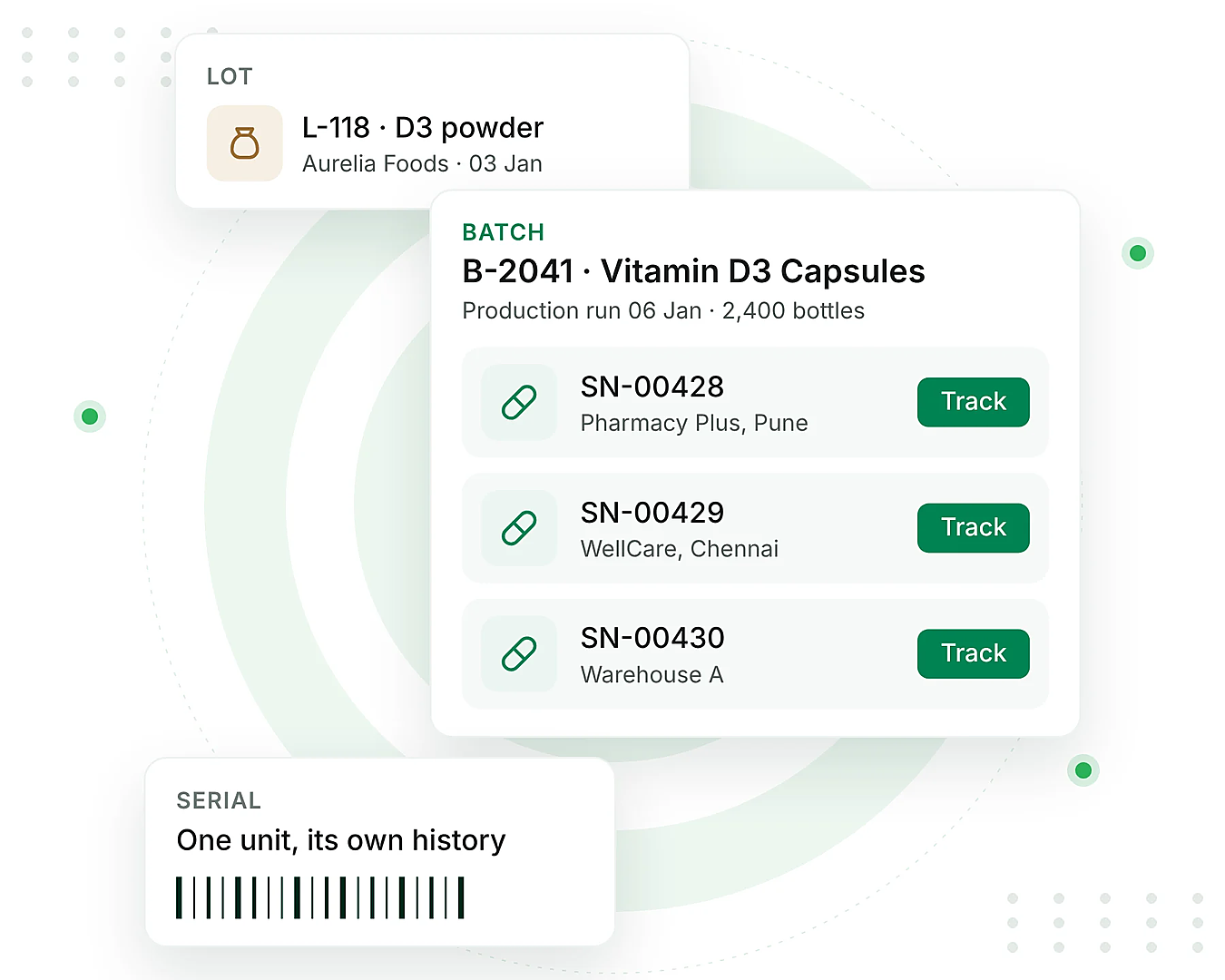
Batch, lot, and serial number tracking are often used interchangeably, but they serve different purposes. Each one helps identify products and materials at different levels.
| Aspects | Batch | Lot | Serial Number |
|---|---|---|---|
| What It Identifies | A group of products made in one production run | A group of materials sharing the same source or supplier | A single individual item |
| Common In | Food, cosmetics, supplements, and chemicals | Raw materials, pharmaceuticals, and incoming goods | Electronics, equipment, and medical devices |
| Best Used When | Products are manufactured or packed in groups | Incoming materials need to be traced to their source | Each individual unit needs its own history |
Many businesses use all three tracking methods together. Good batch tracking and serial number tracking software brings these records together. This makes it easier to track the materials, production batches, and individual products without managing separate systems.
TransGenie’s batch tracking system fits into your existing workflow, helping you track every batch from receiving and production to storage and delivery.
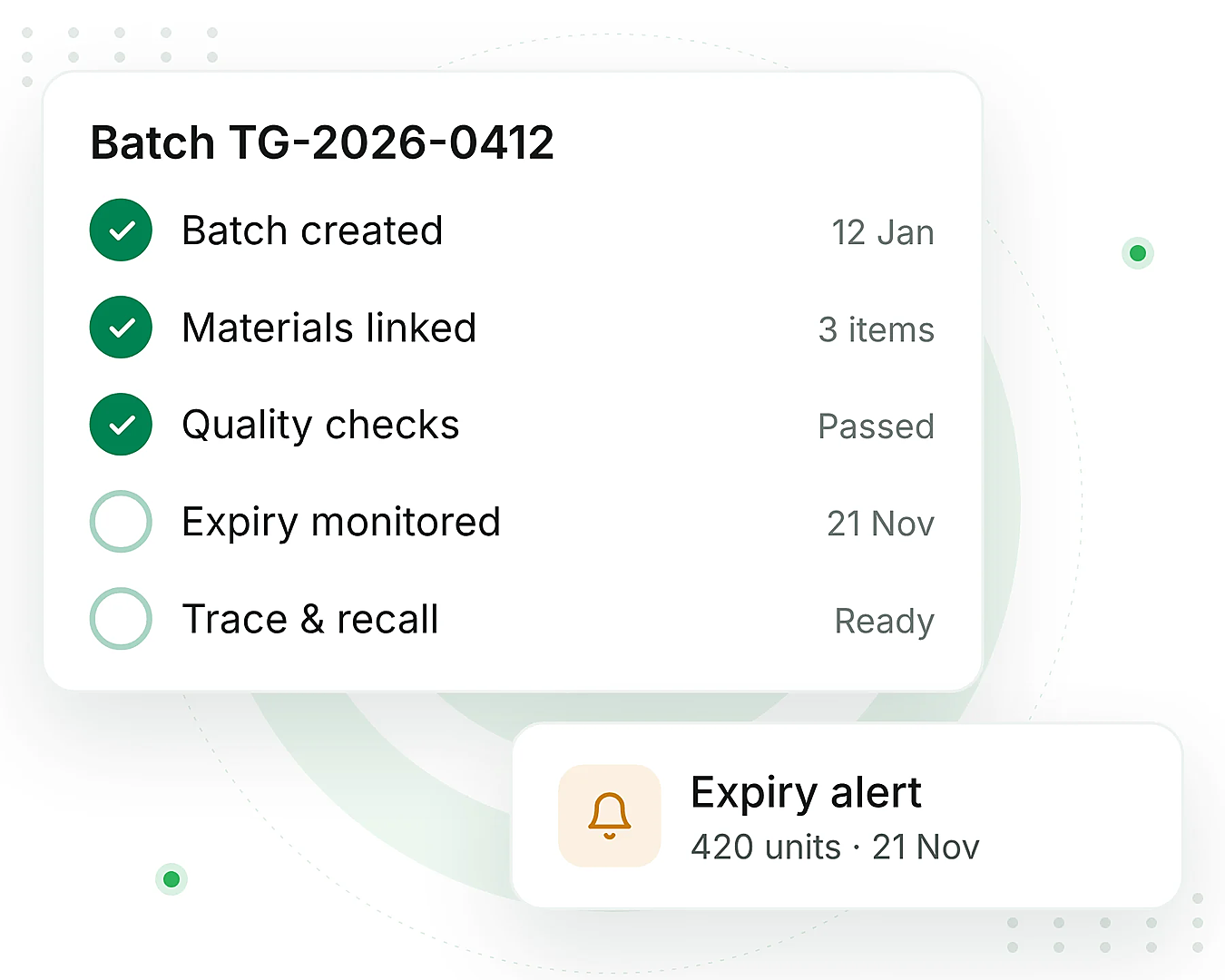

Create a batch when goods arrive, or production begins. The system automatically generates a unique batch number and digital label for easy identification.

Connect the ingredients and components used in production to the finished batch. This creates a clear record of the materials behind every product.

Keep every quality check, test result, and approval linked to its batch. With batch tracking QC, all the quality records stay in one place instead of being scattered across separate files.

Track the available quantity of each batch and identify products approaching their expiry dates. This helps you manage stock and avoid expired inventory.

When an issue arises, trace the affected batch forward or backward to identify the products and customers involved. You can use the same system to manage the recall process.
Track every batch from production to delivery with the latest features built to simplify traceability, improve quality control, and keep your inventory organized.
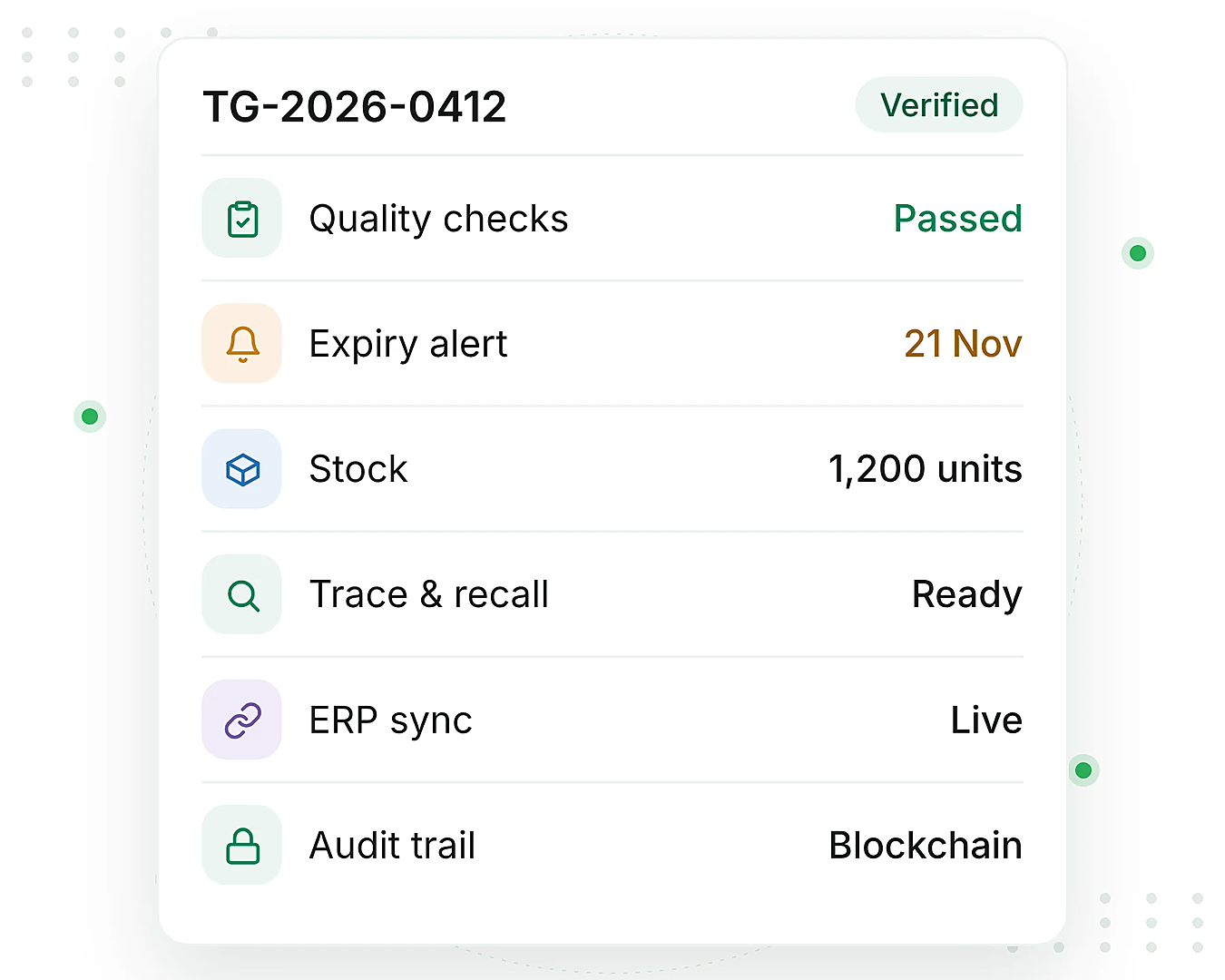

Set your own numbering rules or let TransGenie generate batch numbers and digital labels automatically.

Track the batch’s history, including the materials used, products produced, and customers who received them.

Attach the test results, quality checks, and approvals directly to each batch for easy access and review.

Get timely alerts about the upcoming expiry dates so you can manage stock and reduce product waste.

Track the stock by individual batch instead of just by product, with clear visibility into the quantities and movement.

Identify the affected batches and start the recall process directly from their records without searching multiple systems.

Connect TransGenie with your ERP, warehouse, inventory, and sensor systems to keep your operations connected.

Maintain verifiable batch records with blockchain security, making historical data harder to alter and easier to audit.
Traditional spreadsheets may work for a small number of products, but managing growing inventory becomes harder as volume increases. TransGenie keeps the batch records, expiry alerts, and traceability information under a single roof.
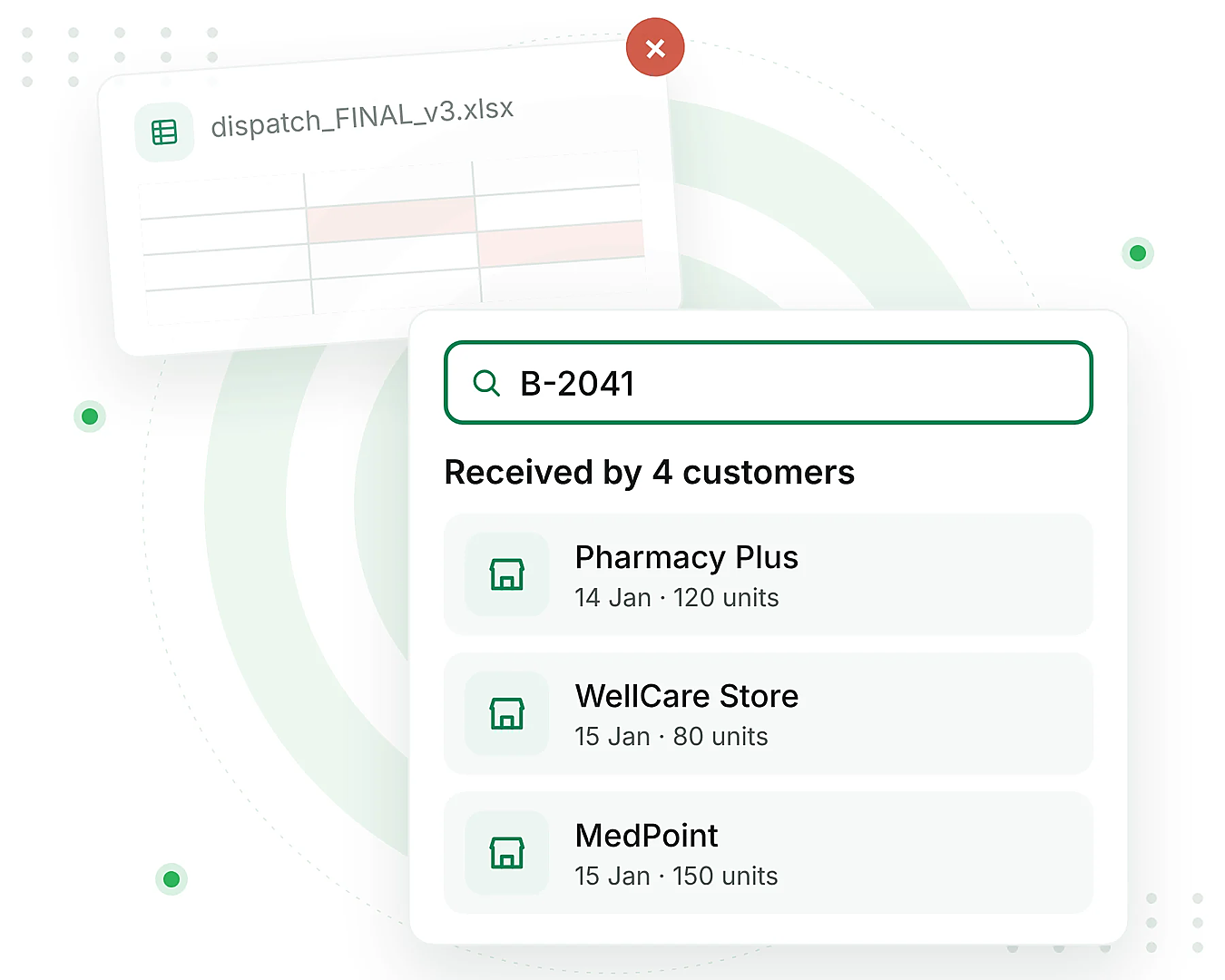
| Question | Spreadsheet | TransGenie |
|---|---|---|
| Who received batch B-2041? | Search multiple files to find matching records | View the customers linked to the batch |
| Where are the QC results? | Stored in separate files or on paper | Available directly in the batch record |
| What is expiring soon? | Requires manual checks | Automated expiry alerts |
| Are the records reliable? | Anyone can edit the data | Blockchain-verified records |
Batch tracking helps businesses maintain product traceability, monitor quality, and manage recalls across industries. Here’s how different industries use it:
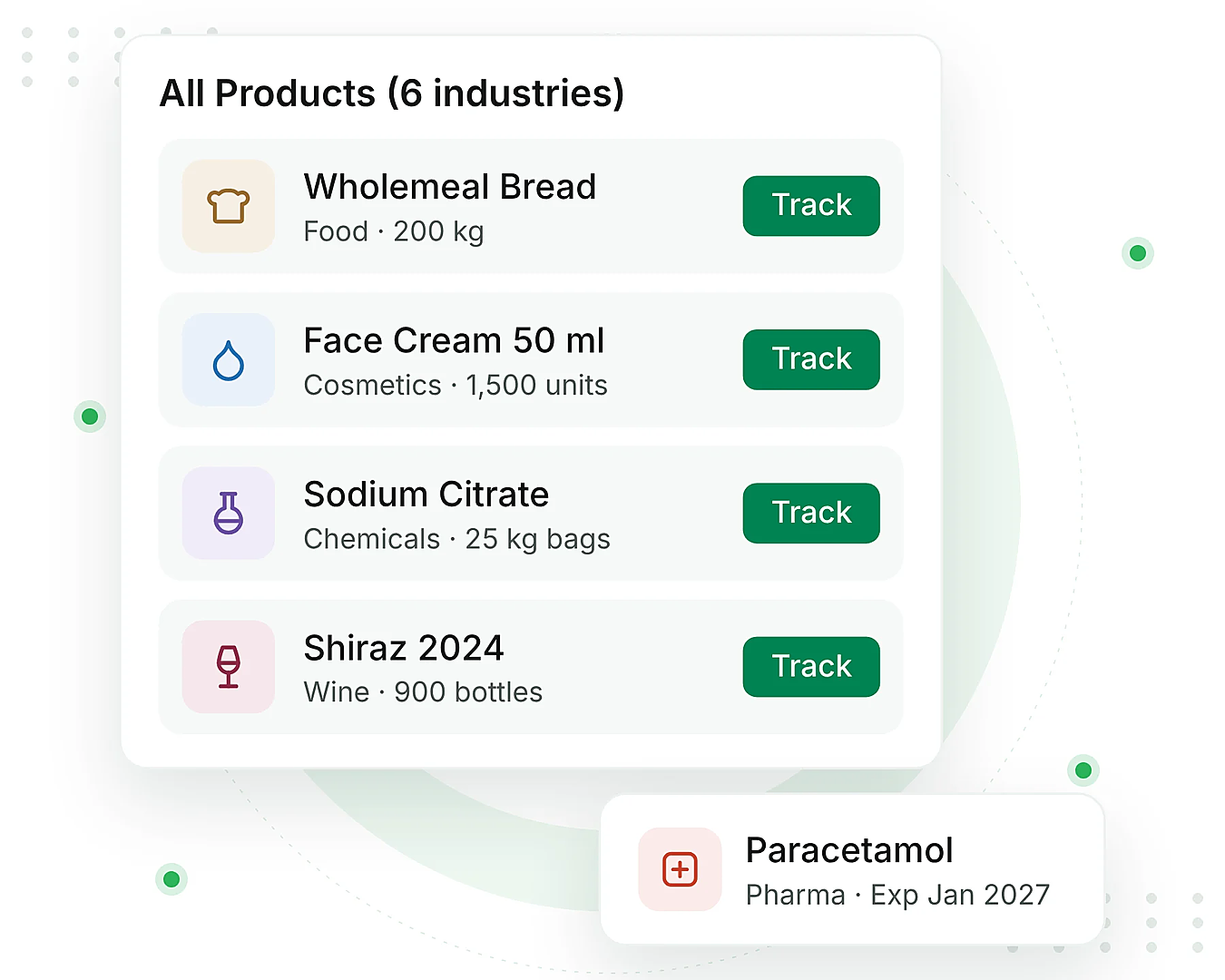

Track ingredients, production batches, and finished products to manage food safety and recalls.

Monitor the raw materials and finished product batches to maintain quality and traceability.

Track the chemical batches, production records, and storage details for better control.

Trace the ingredients and finished batches to support quality checks and product safety.

Maintain the batch records, monitor expiry dates, and trace products throughout the distribution.

Track the grape batches, production stages, and finished bottles from winery to customer.
Switching to batch tracking doesn’t mean disrupting your daily operations. Start with a few simple steps and gradually bring your existing processes into the system.

Assign the batch numbers to your current stock using the receipt date or supplier code. Ensure all the new inventory is tracked from the start.

Decide what information each batch number should include, such as the site, date, or product. Keep the format simple and easy to read.

Show the receiving and production teams how to assign batch numbers and labels. Only with the simple process, the records will be maintained accurately.

Choose a batch and trace its journey in both directions. This helps identify missing records and fix gaps before they cause problems.
Even a small gap in batch tracking can lead to bigger problems with traceability, quality control, and recalls. Here are the four common mistakes to watch out for.

The batch records should cover the entire journey, from supplier materials to finished products and customer deliveries.

Keep the batch numbers simple and easy to read. Complex formats can lead to errors during entry and tracking.

Store the quality checks and test results with their batch records so they’re easy to find and review.

Test batch traceability regularly to identify the missing records and fix gaps before an actual recall.
Not all batch tracking tools offer the same capabilities. Use the below checklist to evaluate your options before making a decision.
Select the capabilities your current software supports.
Connect batch records, quality checks and product movements with TransGenie's digital traceability solution.